Choosing a restaurant POS system in Chicago involves more than finding a way to process payments. Restaurants need to manage orders, tables, kitchen operations, payments, staff, inventory, online ordering and reporting while keeping service moving during busy periods.
The right Restaurant POS system depends on the type of operation you run. A full-service restaurant may need tableside ordering, table management and kitchen routing, while a fast-casual restaurant may prioritize counter speed, online ordering and pickup management. Bars, cafés and multi-location restaurants can have different requirements again.
In this guide, we explain the key restaurant POS features to compare in Chicago, how different restaurant types can use POS technology, what to consider when evaluating installation and payment services, and how to choose a system based on your restaurant’s actual workflow.
Why Restaurants Need a POS Built Specifically for Food Service?
A food service POS system isn’t just about the last card transaction; it’s about the entire journey with the guest.
Speeds Up Table Service and Checkout
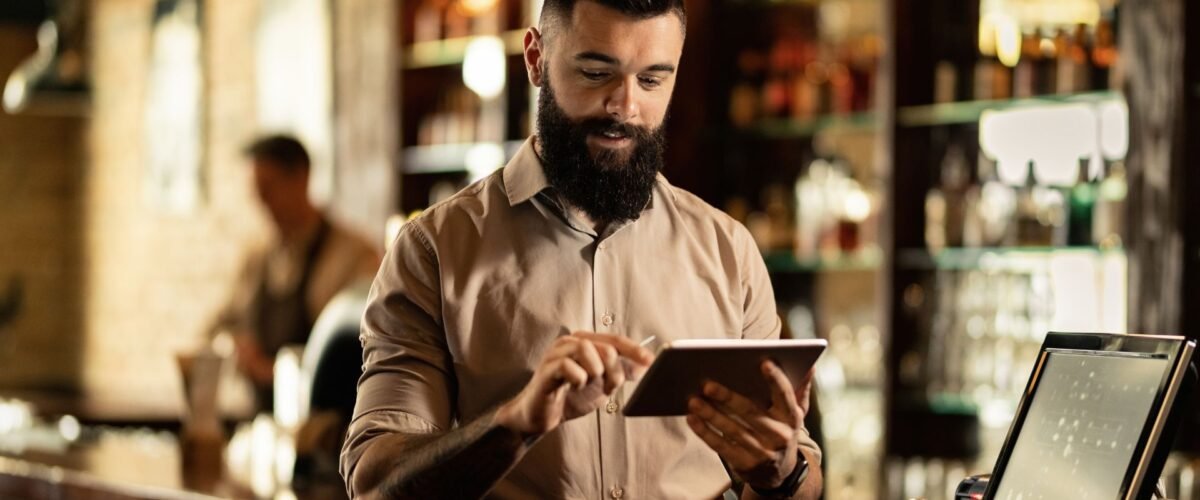
Servers can open tables, move guests, split checks, combine seats, apply tips, and accept different payment types from one screen. Handheld devices let them send orders and collect payment without repeated trips to a fixed terminal. That shorter path keeps the service moving and help turn tables more efficiently.
Simplifies Kitchen and Inventory Operations
A restaurant POS system integrates menu sales with kitchen production and ingredient movement, making it an essential feature of the Restaurant POS Systems Kitchen Management solutions. The system sends orders to kitchen printers or display screens by station while automatically reducing expected stock levels as items sell. During peak service hours, managers gain better visibility into prep delays, waste, low inventory levels, purchasing needs, and dishes that create operational bottlenecks.
Supports Smarter Business Decisions with Real-Time Data
Real-time food service reports should be more than gross sales. Owners want to see margins, ingredients, discounts, voids, comps, daypart sales, labor cost, average check and server performance for each item on the menu. All these facts help determine if brunch, happy hour, delivery or late night could actually be profitable.
Integrates Dine-In, Online, and Delivery Orders in One Place
A restaurant POS system brings dine-in tickets, pickup orders, website sales, and third-party delivery requests into one streamlined workflow. By integrating every order into a single system, staff eliminate manual re-entry and send orders to the kitchen with consistent item details. The system also helps managers update menus, prices, modifiers, and sold-out items across every ordering channel, reducing missed tickets and preventing conflicting information.
The Biggest POS Pain Points Chicago Restaurant Owners Face
Most POS complaints begin when a system looks fine in a demo but fails under real restaurant pressure, or slows during peak hours.
- Sales Reports Show Revenue, Not Profit: Simple reports can just be positive about the revenue but not consider the costs of the recipe, discounts, waste, processing fees and labor, making owners unsure about if they have made a profit.
- Inventory Records Never Match Physical Stock: Emergency purchases and incorrect food cost calculations occur due to stock records drifting caused by incorrect deductions for recipes, modifiers, waste, transfers and delivery orders.
- Hidden Fees and Unexpected Costs: Cheap POS offers can conceal hardware leases, integration fees, payment markups, support fees, contract penalties, upgrades, and extra costs for adding new terminals or locations.
- Poor Local Support When You Need It the Most: During the night or on weekends, if the POS system fails, it can cause a problem for the managers who try to deal with the troubleshooting the terminals while making guests wait to pay.
Must-Have Features in a Restaurant POS System
The right Chicago restaurant POS system should remove everyday friction from the dining room, kitchen, office, and payment counter.
- Kitchen Display System (KDS) Integration to Boost Accuracy: A Kitchen Display System (KDS) sends tickets instantly, separates items by kitchen station, and highlights preparation times. The system minimizes lost paper slips, prevents duplicate preparation, and eliminates unreadable order notes, helping restaurants improve order accuracy and kitchen efficiency.
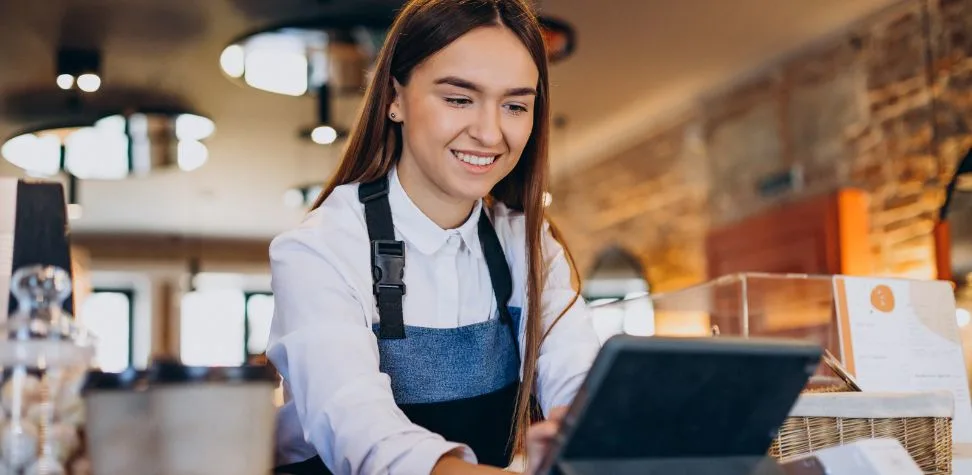
- Tableside and Mobile POS for Service: Tableside devices enable the server to add modifiers, confirm availability, present courses, split checks and take payment at the table without any unnecessary walking or delays.
- Online Ordering & Delivery Integration: A restaurant POS system can automatically receive direct and third-party orders, maintaining consistency in menus, prices, availability, kitchen tickets, payments and sales reports across channels.
Online Ordering Integration – DoorDash, Uber Eats, and Beyond
Reach can expand through DoorDash, Uber Eats, Grubhub, direct website orders, and other means, but they also crowd the counter with a lot of tablets. When the system is set up correctly it sends each order to the place in the kitchen so the staff does not have to type it in again. This also helps make sure that the menus, special requests, prices, taxes and availability are all up to date. However restaurant owners should check how the system is integrated, and what happens if something goes wrong. They should also check if the system is taking any commissions and if online sales are affecting inventory and staff planning.
How the Right POS Speeds Up Table Turnover and Reduces Errors?
A well-configured restaurant POS system removes wasted movement and prevents small order mistakes from becoming expensive service delays.
- Simplify Payments and Speed Up Turnover: Pay-at-table, split checks, saved tabs, contactless payments and fast receipts help to speed up the checkout process and help cleaned tables to be back in the seating rotation sooner.
- Smart Table Management Means Smarter Seating: Using a live floor plan, you can see which tables are open, occupied, reserved or delayed, and arrange sections and sent guests without overloading one server.
- Leverage Data to Plan Better and Train Smarter: Managers can track the time to tickets, voids, sales and performance per shift and can use this data to fine-tune staffing, address weak areas, and plan teams for anticipated rushes.
Managing Staff, Shifts, and Payroll Through Your POS
Integrated workforce tools connect schedules and payroll preparation with the sales activity that actually drives restaurant labor needs around expected covers, reservations, past sales, seasonal demand, and major Chicago events.
- Let employees clock in, clock out, and record breaks through secure individual profiles.
- Compare live labor spending with current sales before overtime or overstaffing damages the shift.
- Transfer approved hours, wage rates, roles, and tip information into connected payroll software.
- Handle availability, time-off requests, shift changes, and manager approvals through one shared system.
Bar and Fast-Casual Restaurants – Does One POS Fit All?
Multiple services can be added to a single food service POS system, but it will have to be changed. A Chicago bar might emphasize tabs, rapid drink buttons, tips and late evening reliability. However, for fast casual restaurants, counter speed, combo modifiers, pickup management, kitchen routing and online ordering are crucial to monitor. Menus, permissions, hardware, and service workflows must be set up for every operation.
What Makes Gokul POS the Right Fit for Chicago Restaurants
At Gokul POS, we offer restaurant POS systems with Chicago-area service access and practical controls for daily operations.
- Chicago-area service and support: We offer service, sales, and customer care through our Schaumburg, Illinois, office.
- Restaurant and bar solutions: Our POS system serves both restaurant and bar operations instead of offering only a generic retail checkout product.
- Real-time business visibility: Owners can check out an operating dashboard, current reports, sales activity and multi-location performance on our systems.
- Inventory and loyalty tools: Cost control and repeat visits are supported by inventory tracking, gift cards, points and coupons in our POS.
- Flexible business management: We also offer multi-store controls, cloud backups, customizable display options, cash discounts and dual pricing options for expanding businesses.
How to Switch from Your Current POS Without Disrupting Service
First, clear old data of customers, menu, employees and stock. Map out taxes, special requests, recipes and how the printers and kitchen displays work. Also, set up rules for payments and decide who can use the system. Try it out with some test scenarios, like a customer eating in, taking out food or getting a refund. You should also train the managers and get some extra help when launching the system. It is also a good idea to keep backups and not change the system during busy times like holidays or big events in Chicago.
Get a Free Demo and See It in Action
Our Chicago restaurant POS system demo addresses menu and service issues that actually occur in your restaurant. We guide you on how to create modifiers, route an order, split a check, process a refund, review labor/sales, track an ingredient and display an online order coming into the kitchen. Request a free POS demo from our experts to learn how our system works, the hardware required, reporting, integrations, and pricing structure.

Founder & CEO of Gokul System Solutions: Based in Schaumburg, Illinois, he leads a company providing Point of Sale (POS) and payment solutions for retail industries in the USA, Canada, UK, and India.