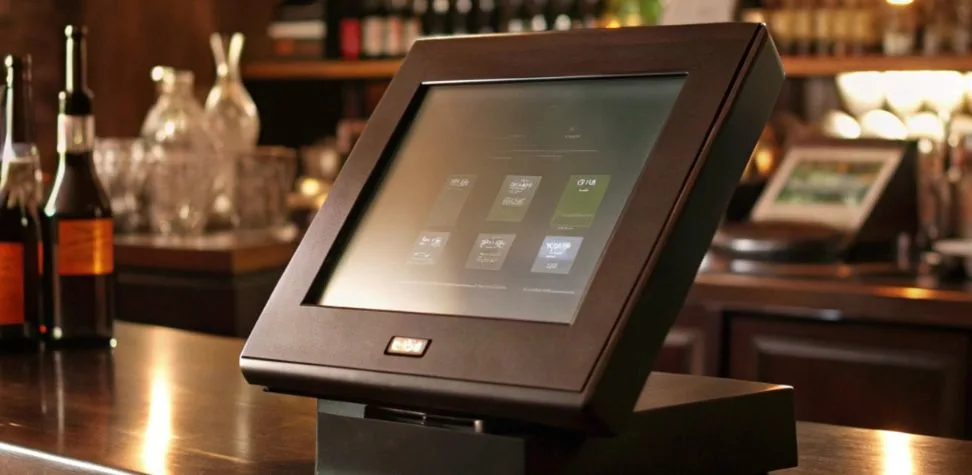
A crowded bar isn’t a place where employees have to deal with slow screens, difficult menus, or messy tabs. Bartenders must have a point of sale (POS) system that matches the pace of drink orders, card payments, comps, split checks, and the last call frenzy. The ideal Bar POS system should appear seamlessly in the service. Just a few clicks, a clean tab, and a quick payment. It should also help to keep margins protected, automatically tracking liquor, discounts, cash, and staff activity behind the scenes, without adding to the bartender’s workload. This article details the features of a point-of-sale system that helps keep high-energy bars bustling, cut down on losses, and help managers to properly handle bar operations from opening pour to final closeout.
How Bar POS Is Different from Restaurant POS
Restaurant service usually follows a table-based flow. Guests sit, order in stages, food goes to the kitchen, and payment comes near the end. Bar service is less predictable. One bartender may handle new orders, open tabs, repeat rounds, quick cash sales, and card payments within the same minute. Guests move around, tabs change hands, and popular drinks must be entered instantly. A bar-focused POS therefore needs faster navigation, flexible tab control, liquor-level inventory tracking, and payment tools designed for repeated transactions rather than long dining cycles.
Why Most POS Systems Fail Behind the Bar
The problem is rarely a lack of features. It is poor workflow. A system can look impressive in a demo and still become painful on a Saturday night. Small buttons, extra confirmation screens, slow searches, or delayed card processing create a queue fast. The situation is even more complicated with wet hands, dim lights, loud music, and shared terminals. Bar POS systems need to minimize taps, ensure common drinks are visible, manage multiple open tabs without a problem, and operate efficiently during busy periods when multiple employees are ringing drinks simultaneously.
Bar POS Features That Actually Matter for High-Volume Venues
The greatest advantages for a busy pub, cocktail bar, sports bar, or nightclub are those that fit into the bartender’s service flow.
- One-touch order entry: Place orders for top sellers, house cocktails, draft beers, shots, and common modifiers on fast access screens; otherwise, bartenders will need to sift through categories.
- Fast, flexible payment handling: Support open tabs, split payments, contactless cards, mobile wallets, cash, tips, and quick closeouts without forcing staff through unnecessary screens.
- Role-based controls: Give bartenders, supervisors, and managers various access rights when they handle voids, comps, discounts, refunds, access to the drawer, and price changes to minimize errors and misuse.
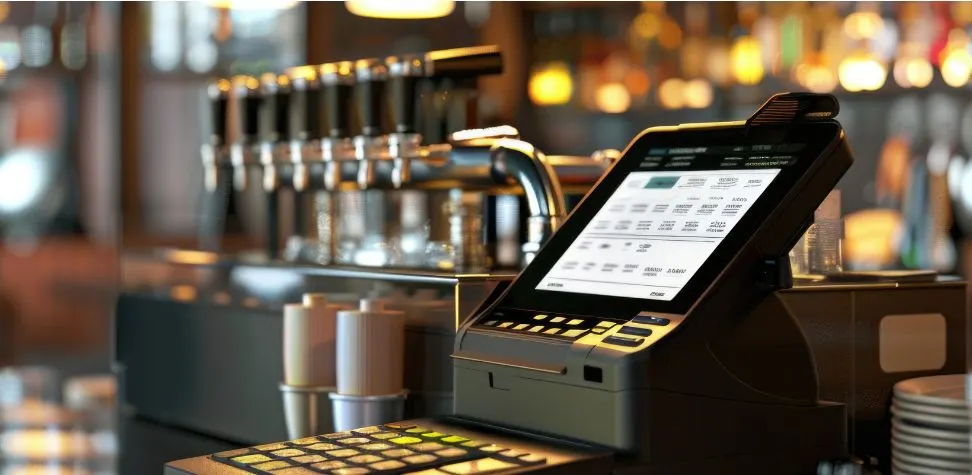
Tab Management and Closing Out: Where Bar POS Systems Make or Break the Night
Tab flow should be simple enough that bartenders can open, update, transfer, and close a guest account while keeping their attention on the bar.
Opening, transferring, and closing tabs without slowing service
A good bartender should be able to set up a tab easily and label it down so that it can be identified within seconds. If guests move sections, the tab should move without closing the current tab or building a new tab. Shared access is also an important aspect of shift change. During a clean handoff, there are no duplicate checks, no forgotten drinks, no ownership confusion, or delays on staff’s part as they look for a drink in a long list of open accounts.
Pre-authorization: Stopping walk-outs before they happen
Card pre-authorization gives the bar a safer way to run open tabs. The system verifies the payment method and places an approved hold before the bill grows. That lowers the risk of invalid cards and unpaid balances. For higher-spend tabs, updated authorization rules can add protection while guests keep ordering without presenting their card after every round.
End-of-night cash reconciliation
After bar closing, the tab should show the money that this bar shift has made, not that the bartender has to sit down and deduce the total amount from the customer receipts at this late hour. A decent POS matches the cash the drawer has with the card total, segments the card total, keeps track of tips, and logs voids, discounts, comps, and refunds. If something is too much or too little, it will become evident immediately. Bartender level reports also help to hold people accountable, and the nightly close is far easier to manage.
Stay ahead with smarter inventory control
Strong inventory controls connect every recorded drink sale with the stock that should have been used to make it.
Variance reporting and waste tracking
Losing track of the liquor amounts in the bar shows several discrepancies, like when the bottle disappears faster than the sales show, when it spills, or simply heavy pours. Variance reporting is a comparison of expected usage based on the information from the sales recorded to the actual stock levels. Gaps can be viewed by bottle, category, shift, and/or employee. Waste logs provide context and help distinguish between actual losses and losses that are not in line with normal expectations, which should be investigated.
Employee compensation and discount controls
Free drinks, staff beverages, promotions, and guest recovery comps all affect beverage cost. They should not disappear under one generic discount button. Set permission levels, reason codes, and manager approval for larger adjustments. The resulting audit trail shows who authorized each comp, what was discounted, and why. It also helps managers spot unusual patterns without blocking legitimate hospitality decisions.
Real-time liquor inventory linkage
Any ingredients that are mapped in a drink should have their stock in the inventory reduced as the drink sells. A whiskey double should take away more than a single; a cocktail should take into account each linked spirit and mixer. Bar POS systems connected with stock information provide for more crystal clear reorder points, expose fast moving bottles, and guide managers to make a comparison of sales and stock before small differences turn into costly monthly surprises.
Keep Your Menu Fresh, Fast, and Easy to Manage
Bar menus change often. Happy hour starts. A keg runs out. A seasonal cocktail launches. A premium bottle is unavailable. Your POS should let a manager make those changes once and push them across every terminal. Scheduled pricing can switch specials on and off automatically, while item availability controls prevent bartenders from selling drinks that cannot be made. Menu buttons should also be arranged by real service patterns, not alphabetically. Put the drinks bartenders sell most where their fingers naturally go. Less searching means quicker rounds and fewer entry mistakes.
Nightclub Considerations for setting up POS systems
Nightclubs add another layer of speed, security, guest movement, and premium-service tracking, so the POS setup must support more than standard bar transactions.
- Charge and door management: Match admission charges, numbers of attendees, covers, and door sales to the reporting environment that is already in place within the venue to help managers compare entry revenue with bar activity.
- Bottle service tracking: Properly assign bottles, mixers, service charges, minimum spends and table ownership to ensure that premium tabs are not cloudy from the moment they are booked to the time of payment.
- Wristband or cashless payment integration: Use approved cashless credentials for customer spending to eliminate repeated payment handling and assist customers to be more freely in the bar, dance area and service points.
- High-volume processing: Have adequate terminals, good network and secure payment facilities as well as smart station design to ensure that the slowest checkout point does not become a challenging factor in the entire room.
Ready to Transform Your Bar with Gokul POS System?
A robust point of sale should make it easier for bartenders to serve more customers and make each order feel more like service than like data entry. Gokul POS will help in your day to day bar operations by improving your billing time, managing your tab, offering practical discounts, better reporting, and inventory tracking. It provides owners with a clearer picture of what is selling, what is being reduced, what’s still available in the store, and what’s occurring at closing time. When your current setup slows your staff during a busy time, creates messy tabs, or leaves tasks to be handled manually, upgrading your Bar POS systems can speed up and improve proper control behind the counter.

Founder & CEO of Gokul System Solutions: Based in Schaumburg, Illinois, he leads a company providing Point of Sale (POS) and payment solutions for retail industries in the USA, Canada, UK, and India.