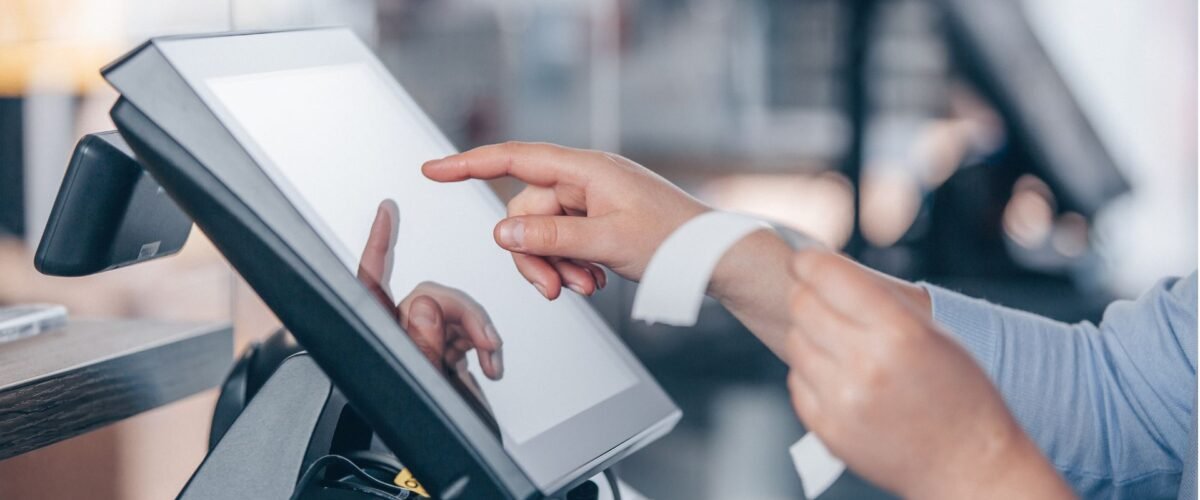
It can be thrilling to start two or more retail stores. But after that, things start to get hectic. Stock numbers are not as expected. Managers don’t follow the same routines. One branch is late starting promotions and another is pricing promotions incorrectly. A headquarters POS System solution integrates these moving parts into a single connected system. It provides an easy-to-understand real-time view of inventory, sales, staff, prices and customer interactions in each store. Instead of chasing updates over the phone or through the spreadsheet, management can work on the information they have as business flows. This article discusses the benefits of a centralized headquarters point of sale (POS) platform for retail owners for effective inventory management, pricing, employee management, reporting, growth, and customer service.
The Real Challenge of Managing More Than One Store
More stores create more opportunities, but they also multiply the small operational gaps that can quietly drain profit and weaken customer trust.
- Scattered Inventory Management Creates Chaos: If transfers are done with separate stock records, it will be more difficult to replenish stocks and buy items, resulting in one store having too much stock and the other not getting sales since those items are not available.
- Communication Breakdowns Lead to Disorganization: When updates travel through calls, messages, and spreadsheets, important instructions get missed, repeated, or changed, causing teams to work on different information.
- Inconsistent Store Operations Hurt Brand Reputation: When there are multiple prices, services, return policies, or checkout procedures, customers become confused and feel that the expanding retail brand is poorly managed and not reliable.
What Is a Headquarters POS Solution?
A headquarters POS platform is a centralized retail system that links all the branches to a single control point. Product data, pricing information, stock transfers, employee transactions, stock movement, returns and reports are all integrated into the same system. Head office can change rules once and these changes will be reflected in selected stores, while managers can still do approved local tasks.
Centralized Inventory – See Every Location in Real Time
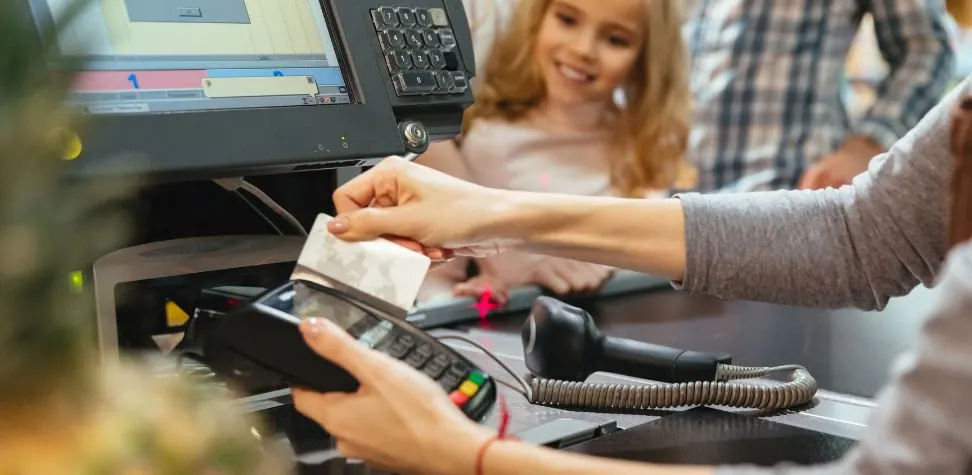
Centralized inventory provides a real-time inventory picture to the head office about what is sold, returned, received, transferred, and in hand in each branch. This is important when the same product moves at varying speeds in different store locations. A manager can even move stock between stores without waiting for an order. Product/branch reorder levels can also be set. By eliminating the need for time-consuming stock sheets, customers gain cleaner data on a multi-store POS system for purchase, replenishment, seasonal planning and online order fulfillment.
Consistent Pricing and Promotions Across All Stores
A growing retail chain cannot afford price confusion. Head office should create product prices, discounts, bundles, and limited-time offers in one place. It can then send updates to every selected store instantly. Central controls reduce manual entry and prevent branches from using expired promotions. They also support regional flexibility when rent, taxes, demand, or competition vary by market. A headquarters POS system keeps the brand consistent. It also gives authorized managers the flexibility to apply approved local pricing without losing visibility or control.
Employee Management Across Multiple Locations
A connected POS helps head office guide teams consistently, compare performance fairly, and keep employees aligned even when stores operate far apart.
Set Clear Expectations
Establish the same service levels, hours of operation, discount authorization, return policies and cash handling procedures at each location. This is the responsibility of the store manager to know what he can authorize himself, and what requires his reporting to the headquarters for approval. With clearly defined responsibilities based on roles, everyone knows their responsibilities; there is no ambiguity, and people know whom to hold accountable.
Utilize Technology
Manage teams with reduced guesswork using POS permissions, time records, staff sales reports, task notes and shared updates. Attendance trends, transaction activity, voids, discounts and individual sales results can be displayed via technology. Managers get valuable visibility without having to call each branch or have employees prepare individual, regular manual reports.
Establish and Maintain Open Communication
Establish a consistent frequency of communication between head office, store managers, as well as store teams. Communicate policy changes, campaign information, stock alerts and training notes through one trusted channel. Promote early reporting of issues by managers. When communication is open and transparent, it prevents minor issues from escalating and makes a remote employee feel connected to one retail business.
Sales Reporting That Gives You the Full Picture
Good sales reporting gives thousands of store transactions in a clear operating picture, helping retail business owners spot strengths, weaknesses, and opportunities across the entire chain.
Track the Sales Metrics That Matter the Most
Be sure to measure real store performance metrics such as net sales, gross margin, average transaction value, return rate, discount rate, stockout rates, and sales by employee or product. Compare locations across targets and previous periods. The right metrics provide insight into areas that are improving, not improving, and in need of action.
Customize and Present Reports for Better Business Insights and Decision-Making
A finance manager, buyer, regional manager, and store supervisor need different views of the same business. Build reports around each role instead of showing everyone the same crowded data. Add comparisons by branch, category, period, or campaign. Clear context helps decision-makers understand why numbers changed and what response makes sense.
Access Sales Reports at the Right Frequency
Match reporting frequency to the decision. Daily dashboards help stores manage sales, cash, returns, and urgent stock gaps. Weekly reports reveal short-term patterns. Monthly reviews support purchasing, staffing, and profitability planning. Too many reports create noise, while delayed reporting hides problems. The best schedule delivers information when managers can act.
How Cloud-Based POS Changes the Game for Multi-Store Owners
Cloud technology enables every counter, manager and head-office user to access up-to-date retail information, without having to build and maintain their own information files for each store.
- Centralized Control Across All Locations: Centralized retail management throughout the business is achieved by a cloud-based POS solution which provides authorized leaders with remote access to products, pricing, promotions, permissions, and performance.
- Real-Time Inventory Synchronization: All sales, returns, receipts, and transfers instantly update stock records, allowing teams to get a better view of the inventory in each store and sales channel.
- Enhanced Data Security and Automatic Backups: Protecting critical retail information from loss in the event of local device failure or damage is made easier with secure hosting, role-based access, automated backups, and integrated recovery tools.
When Is the Right Time to Upgrade to a Multi-Store POS?
The right time to upgrade is usually before daily work becomes unmanageable. Warning signs include frequent stock mismatches, separate product files, delayed branch reports, repeated pricing errors, unclear employee performance, and growing dependence on calls or spreadsheets.
Expansion is another clear trigger. Opening a third, fourth, or fifth location without a central retail management system increases operational challenges. A multi-store headquarters POS system helps owners make faster decisions and apply consistent rules across every location. It also lets them monitor stores remotely, transfer transactions smoothly, and add new locations without rebuilding existing processes.
How Gokul POS Supports Growing Retail Businesses
Gokul POS connects core retail tasks through one system, offering essential POS System Features for Retail Success that help growing operators manage multiple stores with better visibility, speed, and consistency.
Seamless Integration With Other Retail Solutions
You can get sales, inventory, headquarters control, customer information, reporting, cloud backup, and multi-store access all in one retail environment with our POS system. The app also provides inventory updates, sales analysis and printing labels. These linked functions make data entry more efficient and enable managers to switch between tasks seamlessly.
Simplifies Sales & Marketing
Our headquarters POS comes with in-house customer records, purchase history, loyalty programs, points, coupons, gift cards and sales information that can help with more targeted promotions. Retailers can track buying habits, incentivize loyal customers and make offers based on true demand. The central campaign controls of our POS also enable stores to provide the same promotion to customers each time at every checkout counter.
User-Friendly Interface for Faster Training
The clearly designed dashboard and intuitive retail processes in our POS system can reduce the training time for cashiers, supervisors, and store owners. Staff have more time to focus on their customers rather than looking through packed menus.
Enhances Customer Experience
Correct information about stock, a faster checkout process, the same price, digital receipts, loyalty points, and organized customer records on Gokul POS make for a better shopping trip. Staff build the confidence to respond to questions regarding products and apply approved offers appropriately. This feeling of reliability is evident to customers at any branch they visit.
Take Control of Every Location – Starting Today
Every new store should strengthen its business with centralized management. Gokul POS gives growing retailers a practical way to connect branches, watch stock, review sales, guide teams, control prices, and serve customers with greater consistency. The result is fewer blind spots and less time spent chasing updates. So, whether you are opening a second branch or managing a wider retail network, the right headquarters POS system can create order behind the counter. Book a Gokul POS demo and see how one POS system can support your next stage of growth.

Founder & CEO of Gokul System Solutions: Based in Schaumburg, Illinois, he leads a company providing Point of Sale (POS) and payment solutions for retail industries in the USA, Canada, UK, and India.