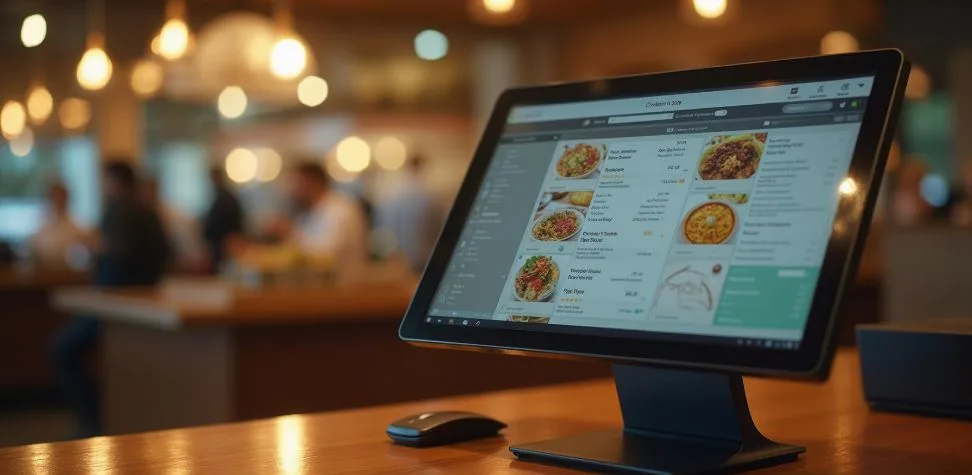
From the dining space, the restaurant seems sophisticated and serene, but on the contrary, multiple things are going on at the back: in the inventory or in the kitchen. Orders are changing. Tables are turning. Kitchens are timing courses. Managers are closely monitoring the labor, stock, and payments. A modern point of sale platform integrates all those moving parts without leaving a team to wade in a sea of paper slips, disparate apps, and manual updates. Today, Restaurant POS systems can handle a lot more than the checkout. They assist servers in getting things done more quickly, kitchens are managed properly, managers recognize issues early, and guests have a smoother dining experience from booking to clearing the bill. This article covers the relationship of a restaurant POS with front of house, back of house, payments, reporting, integrations, security, and long term growth.
What a Restaurant POS System Really Does
From handling payment details, menu items, taxes, discounts, to receipts, tips, and orders a restaurant POS system handles everything. The true power comes in when those transactions fuel the whole operation. A restaurant point of sale system can help streamline kitchen communication, monitor ingredients, change table status, track employee activity, remember customers’ orders and preferences, and provide sales reports. The system combines all the tasks into a single stream of information rather than each one being a separate job. This gives a clearer picture to the restaurant owner about the list of sold products and the reasons behind service delays.
How Restaurant POS Systems Enhance Front-of-House Features for a Better Guest Experience
Front of house technology should take care of the service delays so that guests do not experience any inconvenience.
Faster Order Taking and Table Management
Common orders should take only 5 taps to enter on the server. A well designed Restaurant POS System makes it easy to access menu items, modifiers, table numbers, course timing, and table status. Staff can split or move checks without having to start again. During a rush hour, this diligence is of the utmost necessity. Faster entry minimizes mistakes and gets proper orders to the kitchen before the waiter reaches the next table for the order.
Seamless Billing and Payment Processing
At the end of the day, the payment phase can influence the guest’s final impression. A robust point of sale system can easily accommodate both card and cash transactions, as well as contactless payments, gift cards, and split payments without creating a “bottleneck” in checkout. Divide bills by seat, item, or amount on servers. Managers can also check out voids, refunds, discounts, and tips, which will help the restaurant to run faster while keeping the payment under control.
Customer Loyalty and Personalized Service
Keeping track of guest history is not just for updating the restaurant database; rather, it is strategically used to serve guests better. Rewards may be more pertinent for returning visitors. Staff have better familiarity with the regular customers. This offers a more individualized customer experience and gives the business proper marketing tools, which increases repeat visitors.
How Back-of-House Operations Stay Organized with Restaurant POS Systems
The POS system needs to be administered in a way that helps turn incoming orders into a systematic production behind kitchen doors, rather than a chain of scattered instructions.
Kitchen Order Management
As soon as a server has confirmed an order, the kitchen requires accurate information about the dish specifications (like customer special requests). A Kitchen POS can help to convey information like burgers need to be sent for grilling, desserts to pastry, and drinks to the bar. Therefore, specifications like “no onion” or “extra sauce” remain labeled on them. This minimizes verbal confusion and aids each station in using the same ticket to work.
Inventory and Ingredient Tracking
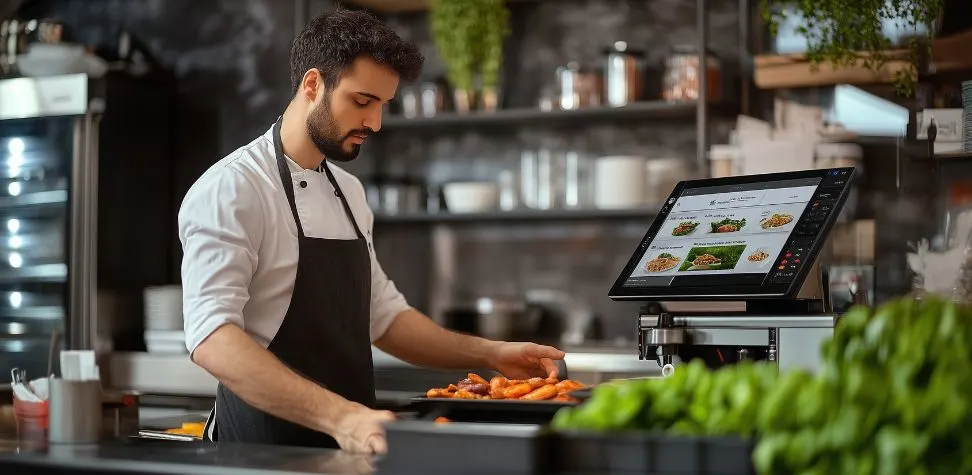
Every sale affects the stock rate. Menu recipes can be matched to ingredients, and POS can eliminate the expected amount of ingredients used after dishes are sold. Managers can easily compare theoretical use with actual use and identify unusual variance, as well as the items that are approaching reorder level. This is particularly helpful for high cost proteins, alcohol, dairy, and fast moving ingredients where small losses can have a bigger impact.
Staff Scheduling and Performance Monitoring
One of the largest controllable restaurant expenses can be labor. A POS with workforce tools can log clock-in/clock-outs, hours, employee sales, average checks, discounts, and voids. Managers can use the data to plan shift timings or train employees. This also helps balance scheduling conflicts like abundant availability of people during lean times due to a lack of enough hands during peak rush hours.
Connecting Front and Back of House for Seamless Restaurant Operations
The most successful operational profit comes when waiters, cashiers, managers, chefs, and other professionals in the kitchen work based on thesame ive information rather than working on separate methods.
- Keep orders moving without verbal relays: A server entered ticket is sent directly to the appropriate kitchen station with all the table numbers, seat numbers, modifiers, quantities, and special preparation instructions intact. This saves them from having to repeat answers and prevents errors.
- Keep menu availability consistent: When any restaurant runs out of any dish because of the unavailability of the ingredients needed to prepare it, managers can instantly mark it unavailable. This way saves the restaurant from getting a wrong impression from teh customer who is not aware of this change and ordered the dish.
- Improve timing between teams: Live order status allows employees to view the status of orders, like when the dish is prepared, completed, or even delayed. Waiters can systematically visit tables for collecting orders or serving food, and the professionals in the kitchen can prioritize tickets without waiting for people to ask for any updates.
Gain Actionable Insights with Restaurant POS Reporting
Whenever a customer orders, the restaurant generates significant data that helps in setting customer expectation patterns. The reporting layer converts that data into decisions. Managers can view sales per hour, daypart, server, menu, payment method, location, or item. They can compare average check size, discount use, labor cost, and product mix for the various shifts. It’s not about the number of charts you can gather. The task is to look for trends that influence profits.
Integrate Online Ordering, Delivery, and Third-Party Platforms
The main purpose of online orders is that employees no longer have to re enter tickets on their own. With a proper POS system, website orders, pickups, deliveries, and selected third party marketplace transactions can be synchronized within a single process. Therefore, problems such as multiple identical entries or lost tickets can be avoided during high volume periods. When the integrations are configured correctly, menu changes are more consistent in channels. The kitchen receives orders in a familiar format, and managers are given a more comprehensive snapshot of off premise sales, kitchen preparation times, channel performance, and more in one system.
Improve Security, Compliance, and Business Scalability
Restaurants process payment information, employee access, discounts, customer information, and financial information daily. The POS should then feature role based permissions, secure payment processing, audit trails, manager approvals, and limited access to sensitive functions. When properly configured, features that aid PCI DSS responsibilities can also help bolster payment security. Scalability is also an important factor for a growing business. The system should be upgraded in a manner that it can add terminals, locations, users, menus, and integrations without the need for changing operational funcion everytime busines expands.
Tips to Choose the Right Restaurant POS System for Long-Term Success
Choosing a Restaurant POS Systems does not only depend on its processing payments but also on how it fits into your restaurant protocols, such as serving guests or managing regular operations.
- Match the system to your service model: Quick-service restaurants (QSRs), cafés, full service restaurants, bars, food trucks, and multi-location chains do not operate similarly. Do not commit until you have checked table management, modifiers, coursing, kitchen routing, takeaway, delivery, and mobile ordering capabilities.
- Review costs beyond the hardware price: Take a very close look at payment processing fees, software subscription fees, installation fees, extra terminals, integrations, support packages, upgrades, and contract terms. It may be cheap at first, but with add on essential features, it’s going to cost a fortune.
- Test scalability and support: You need to select software that can handle additional users, order channels, terminals, menus, and restaurant locations. With increasing transaction volume, authentic technical support, employee training, backup procedures, and integration options become highly significant.
Elevate Every Restaurant Operation with Gokul’s All-in-One Restaurant POS System
Gokul POS system helps restaurants to manage orders, payments, kitchen communication, inventory control, and regular activity management in one seamless flow. This means no more disconnected tools or blind spots between dining space and the kitchen. Teams can move orders faster, managers can monitor performance with clearer data, and owners can build more consistent processes as the business grows. For restaurants that want better control without adding more operational clutter, Gokul offers an all-in-one POS foundation designed to support smoother service, smarter decisions, and scalable restaurant management.

Founder & CEO of Gokul System Solutions: Based in Schaumburg, Illinois, he leads a company providing Point of Sale (POS) and payment solutions for retail industries in the USA, Canada, UK, and India.